NewVibe Coding on EzyCommunity

Describe the site you want. AI builds it. You own it.

Custom pages, dashboards, a CRM, a job board or a full website, built inside your community with a real database. No installs, no fighting a page builder.

+5 moreBuild it
  • Real database included
  • Bring your own Claude Code, no AI credits needed
  • Publish to your own domain
Jump to a chapter12 chapters
How it works

From one sentence to a live site in four steps

Brief editor with niche starters and the Add a database option
Step 1

Describe it

Start from one of 10 niche starters or write your own brief. Tick "Add a database" for an app.

Design style picker with light and dark themes and brand colours
Step 2

Pick a look

Choose a design style, light or dark, your brand colours, or upload your own design system.

Live preview updating while the AI writes the site
Step 3

Watch it build

The preview hot-reloads as AI codes. Ask for changes in plain words, or paste a screenshot to match.

Publish panel with custom domain, deployment status and version history
Step 4

Publish

Go live on your custom domain, watch the deployment, roll back to any earlier version.

Under the hood

Not a mockup tool. A real app, with a real backend.

Everything you need to run what you build, without leaving EzyCommunity.
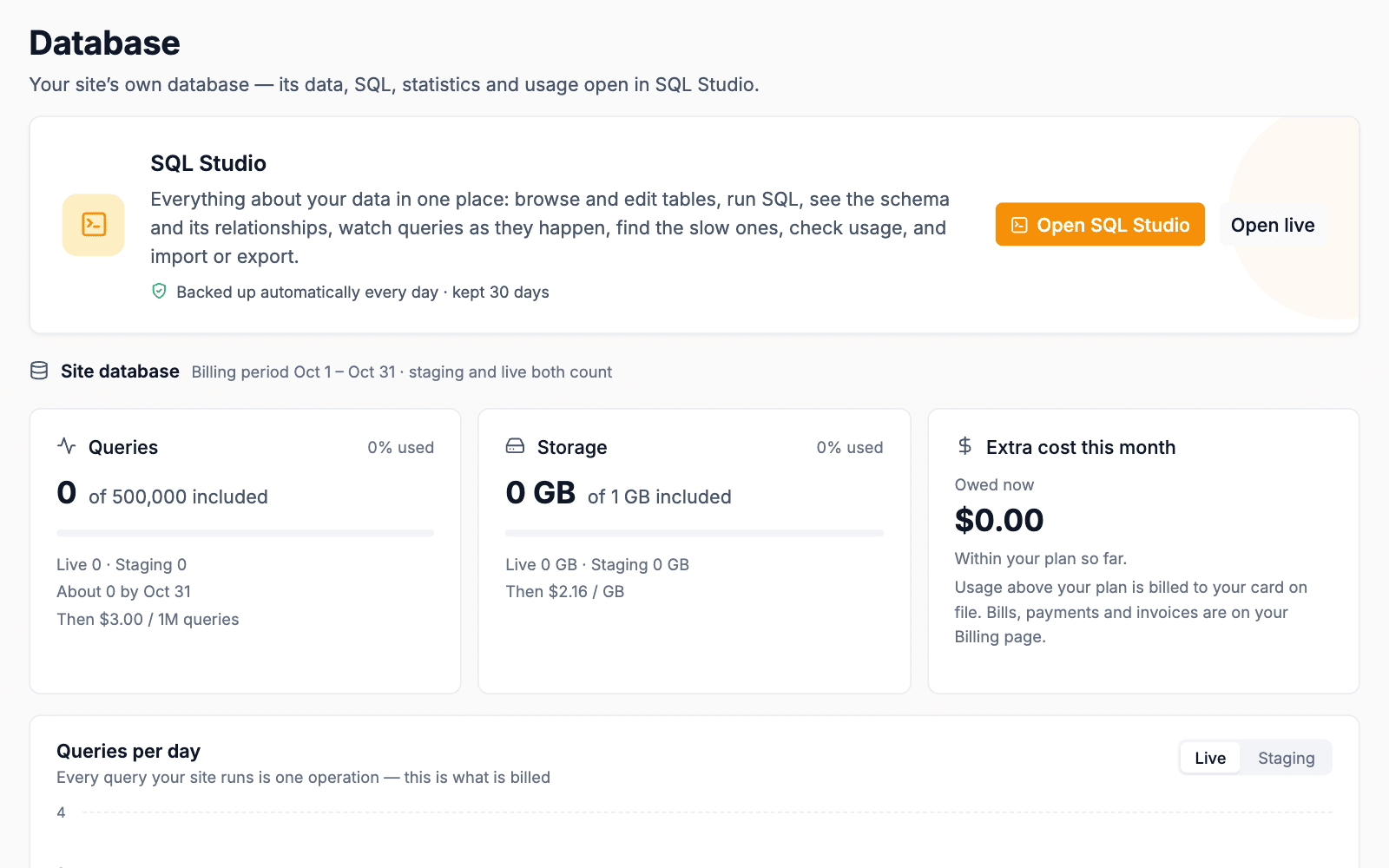
Database overview with queries, storage and cost

Staging and live databases

Experiment on a staging copy. Visitors only touch the live one.
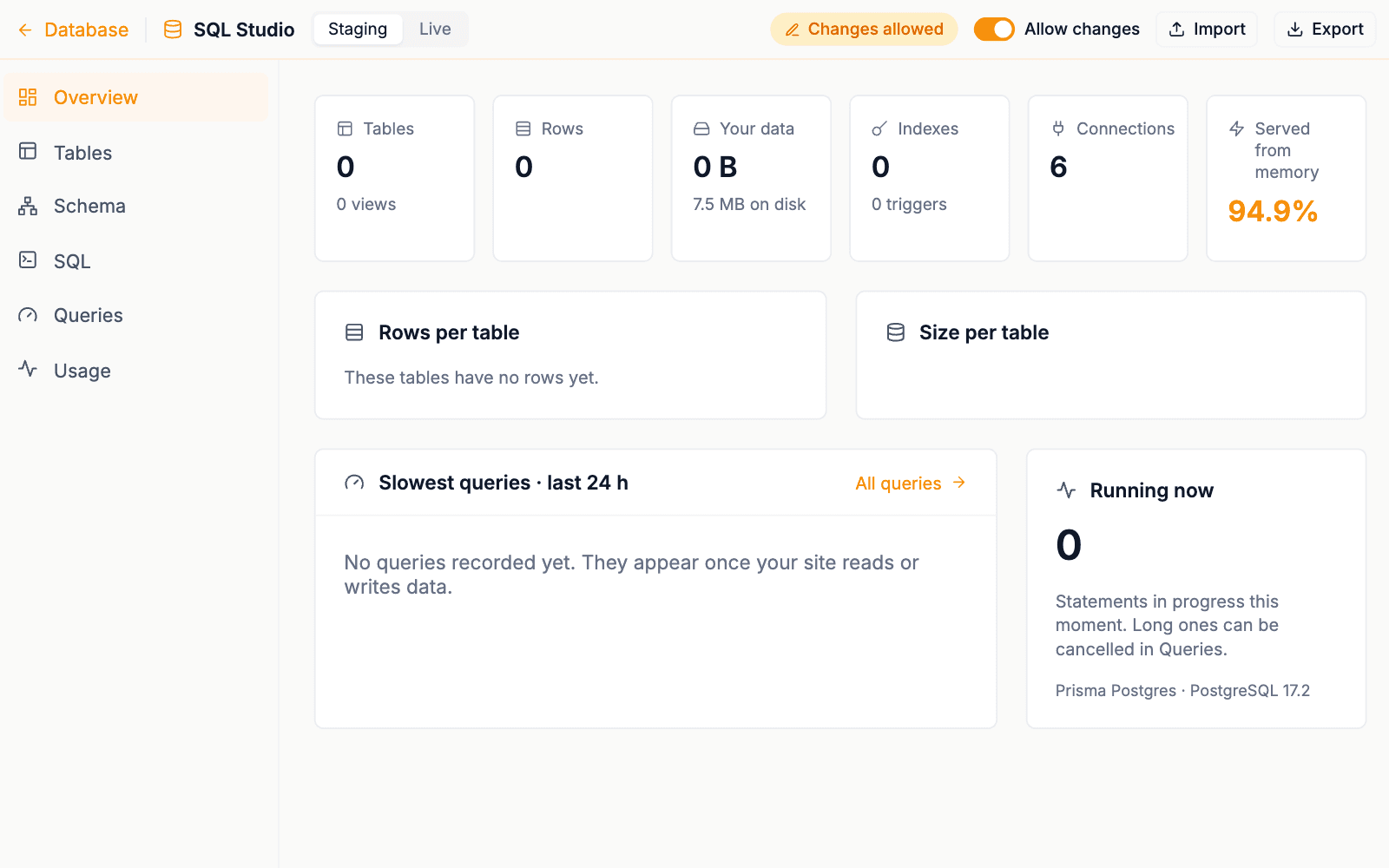
SQL Studio overview of tables, rows and slow queries

SQL Studio

Browse tables, run queries, view the schema, import, export and check usage.
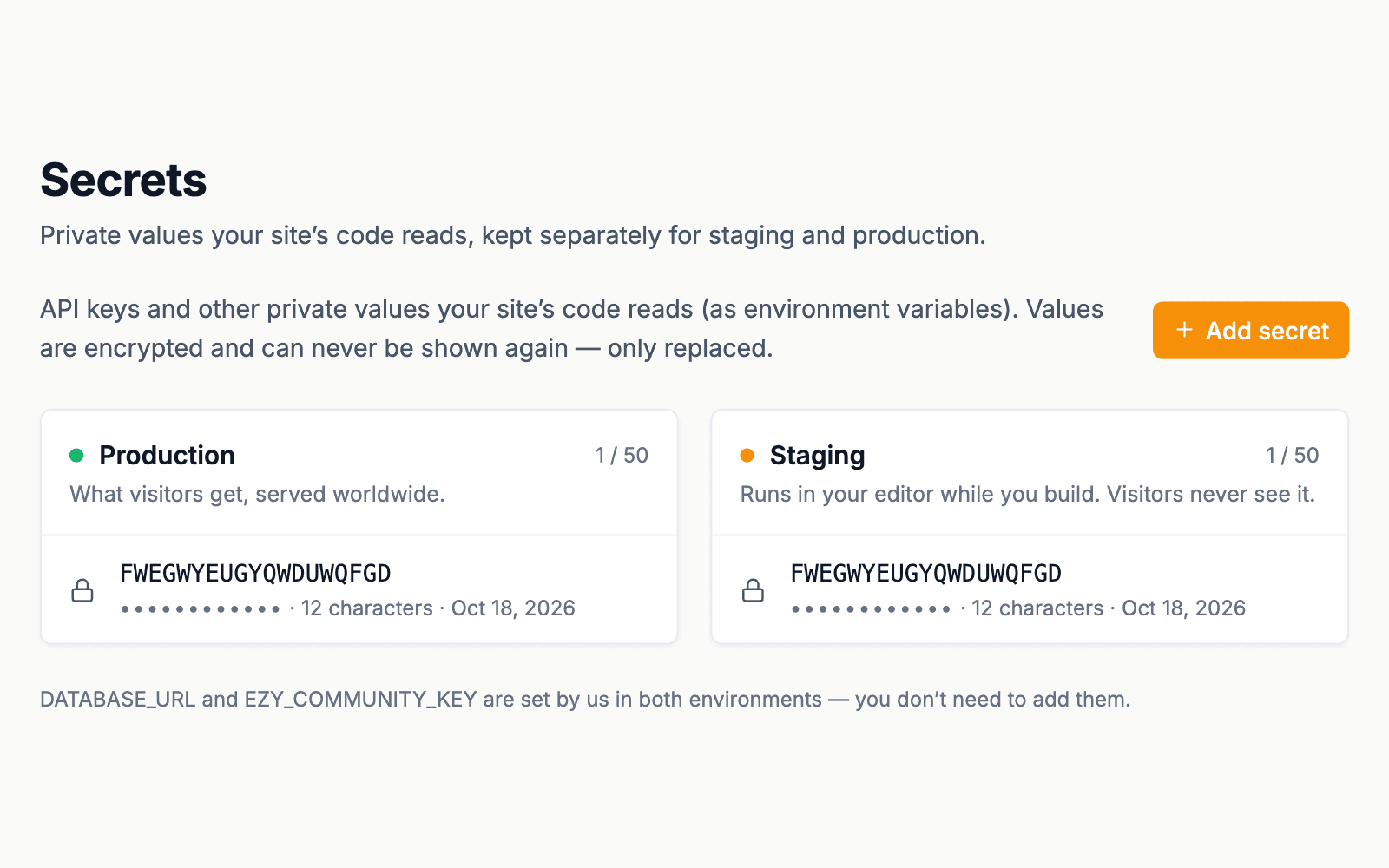
Secrets with separate production and staging values

Encrypted secrets

API keys stay encrypted and out of your code.
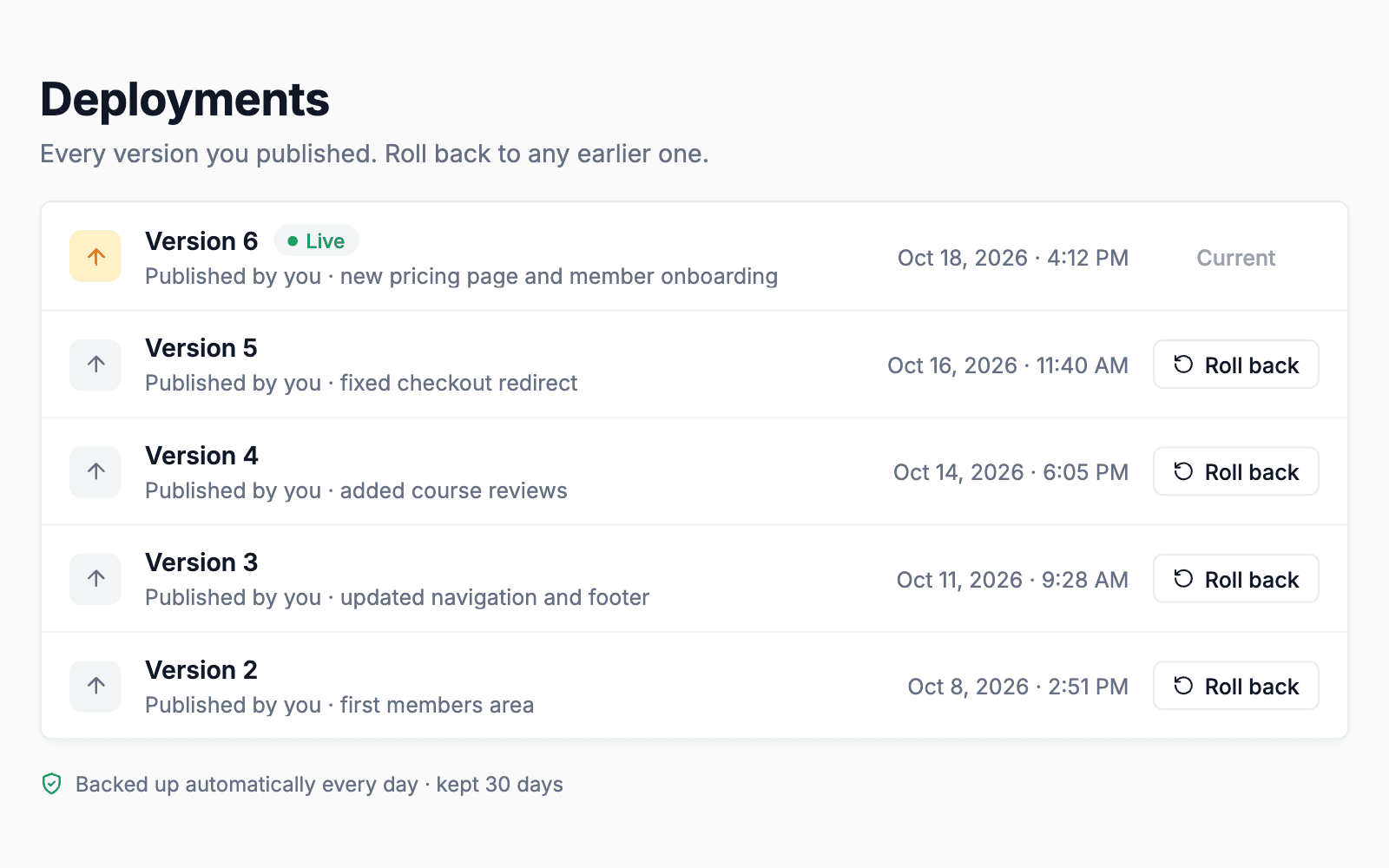
Deployments list with roll back on each version

Deploys and rollback

Every publish is saved. Roll back in a click. Daily backups kept for 30 days.
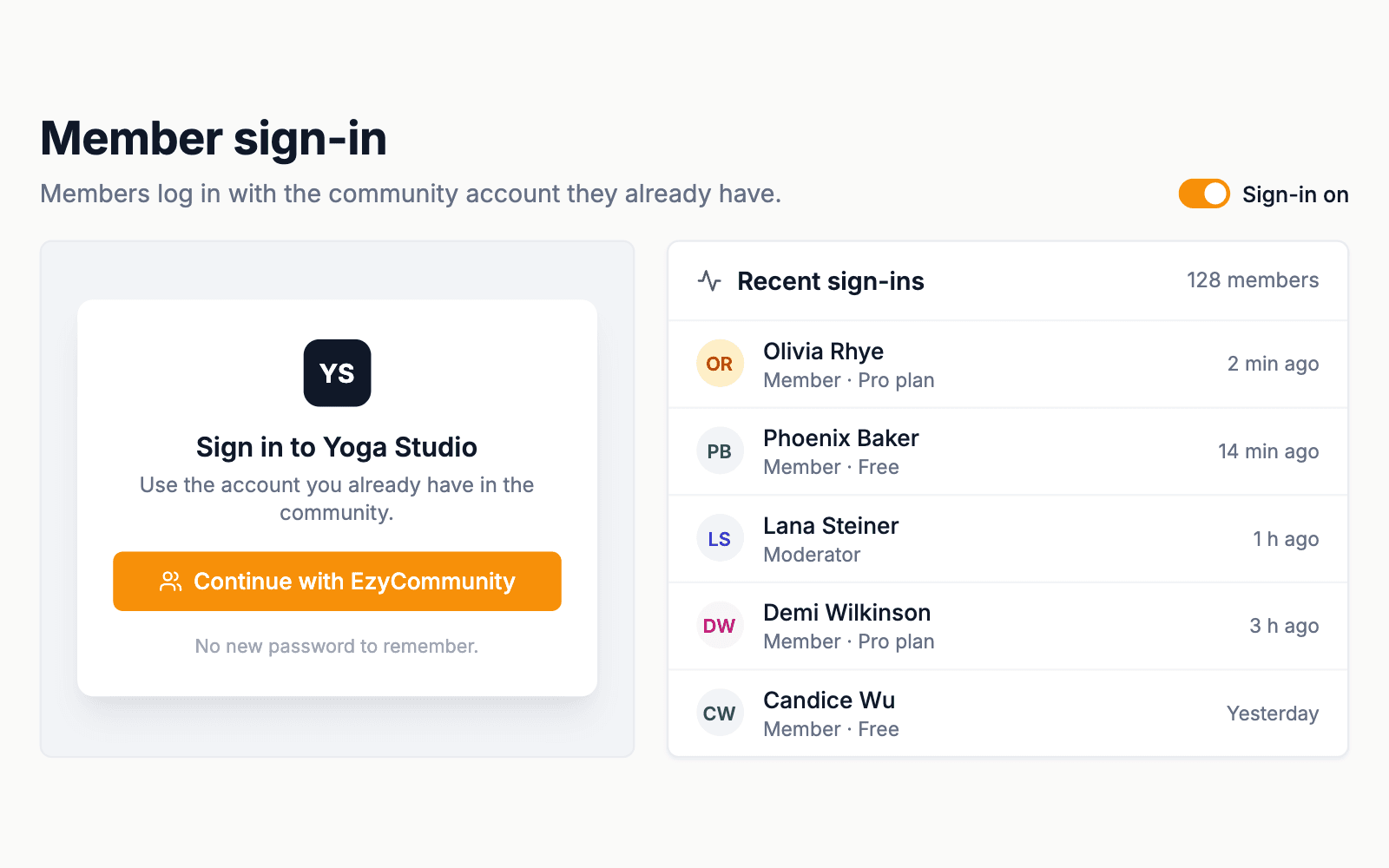
Member sign-in screen and recent sign-ins

Member sign-in built in

Members log in with the community account they already have.
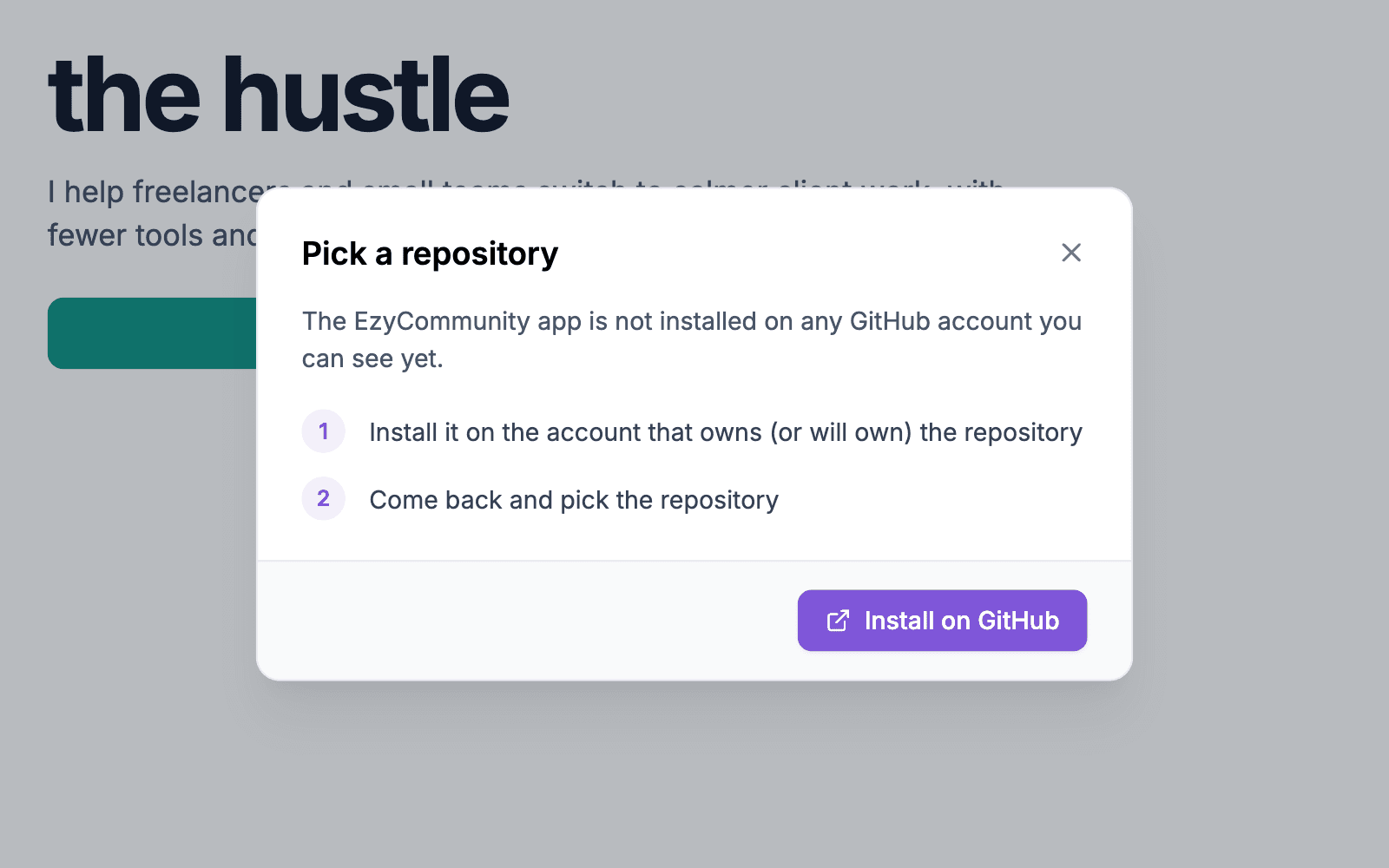
Pick a GitHub repository dialog

GitHub sync

Sync the repo, work locally, run several AI sessions at once.

Design styles

Start from a look that already feels finished

Pick a style, then make it yours: light, dark or both, in your own brand colours.
Try a theme
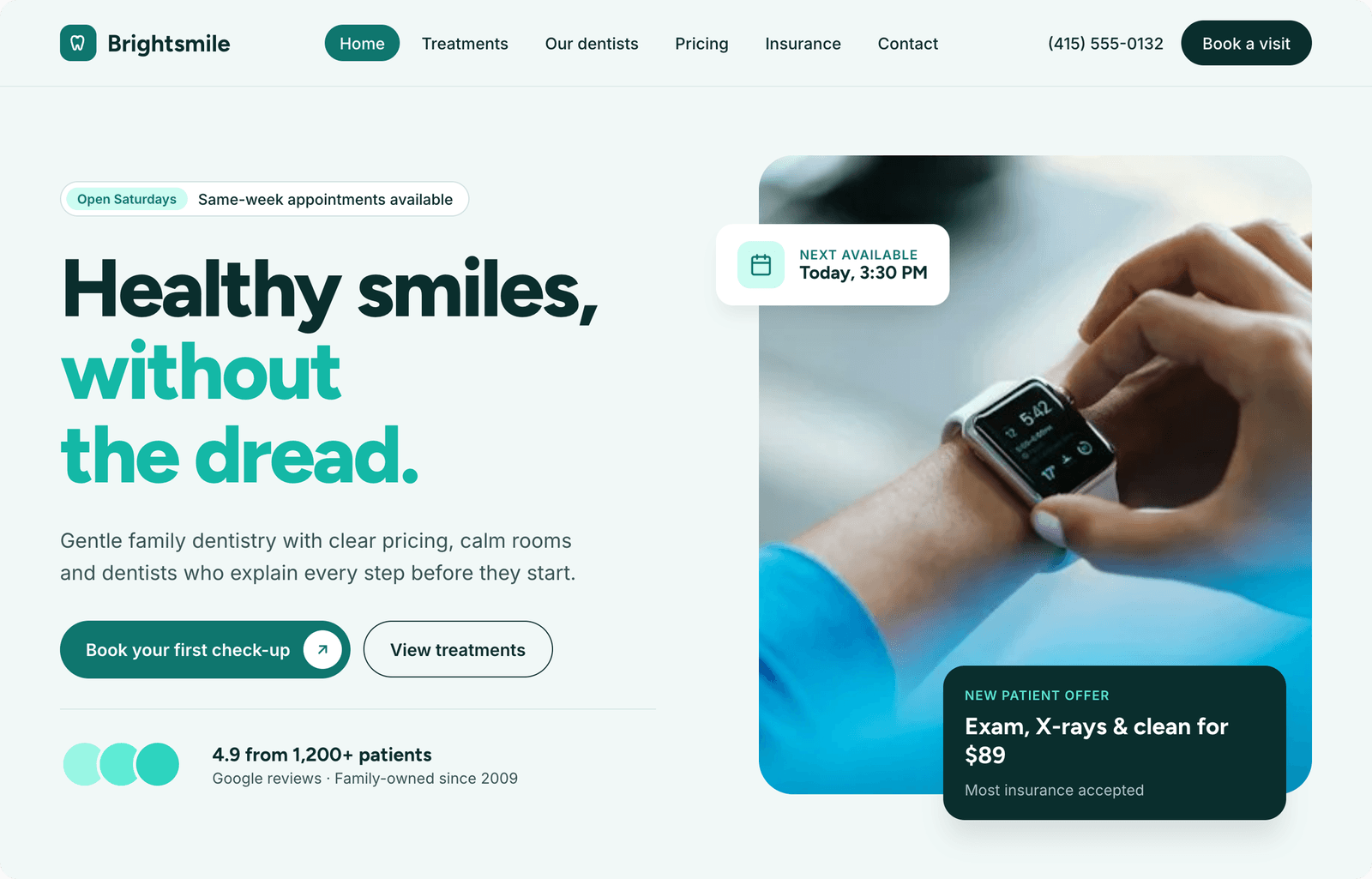
Brightsmile template
BrightsmileDental clinic
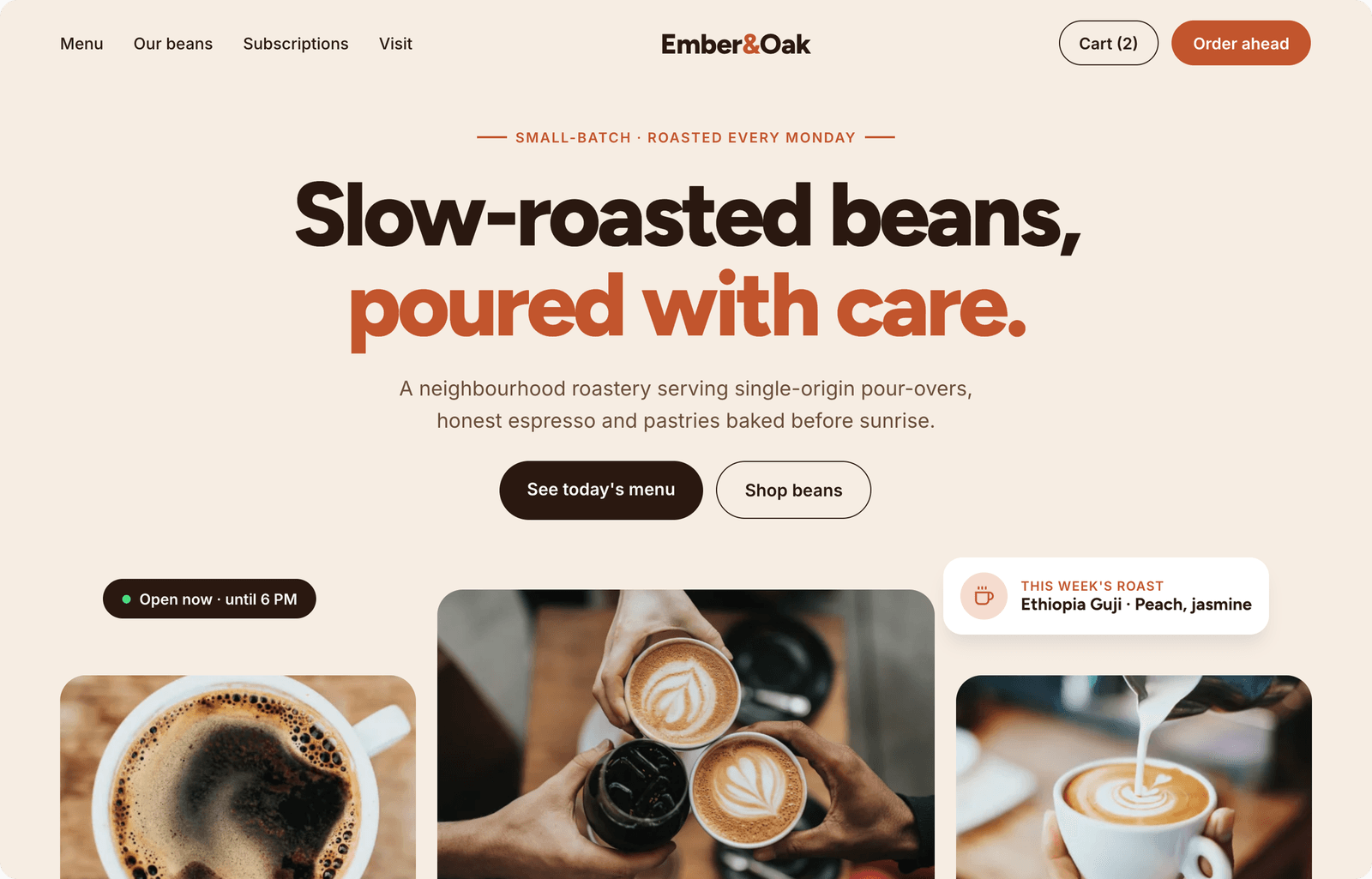
Ember & Oak template
Ember & OakCoffee roastery
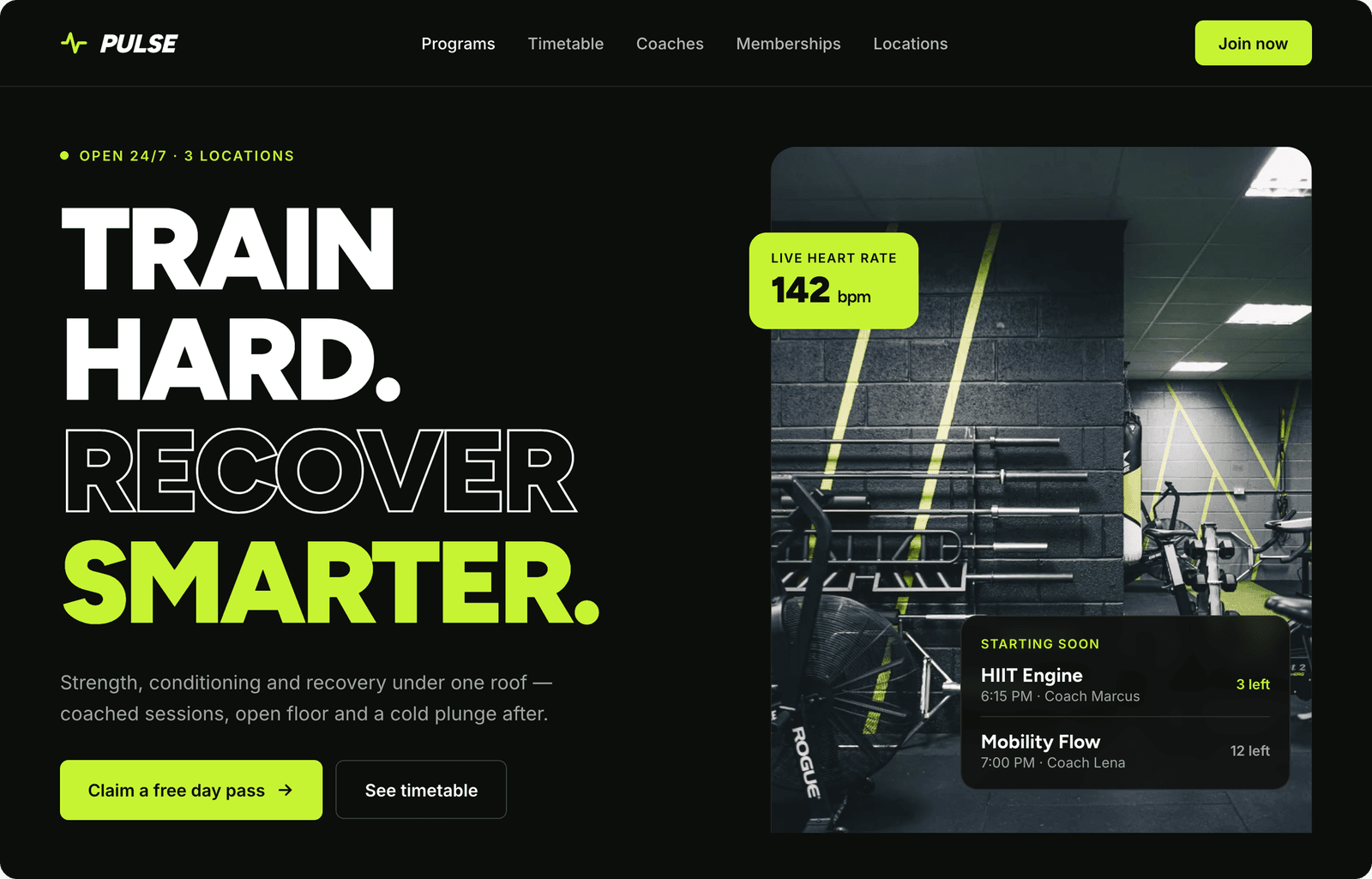
Pulse template
PulseGym
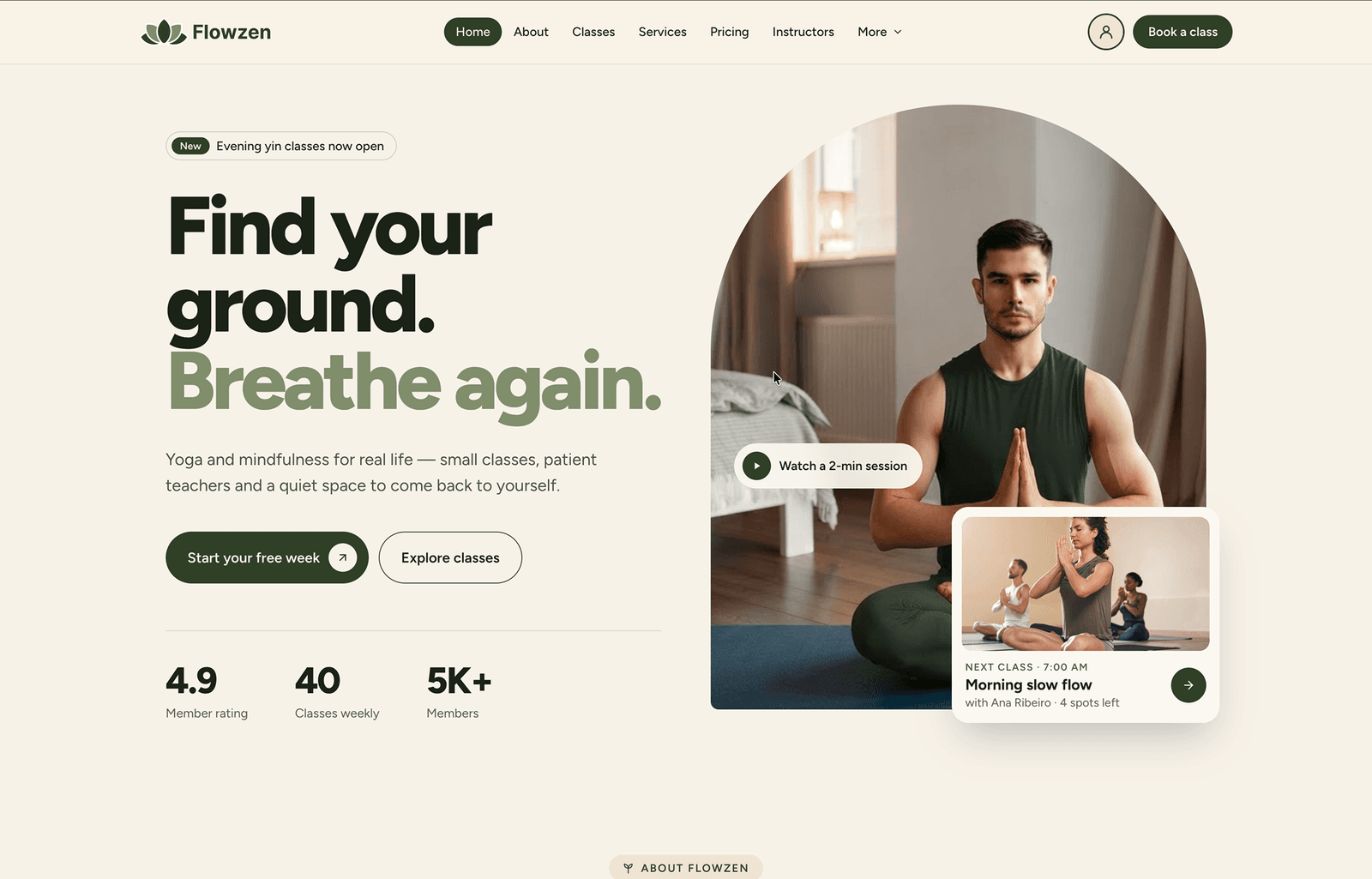
Flowzen template
FlowzenYoga studio
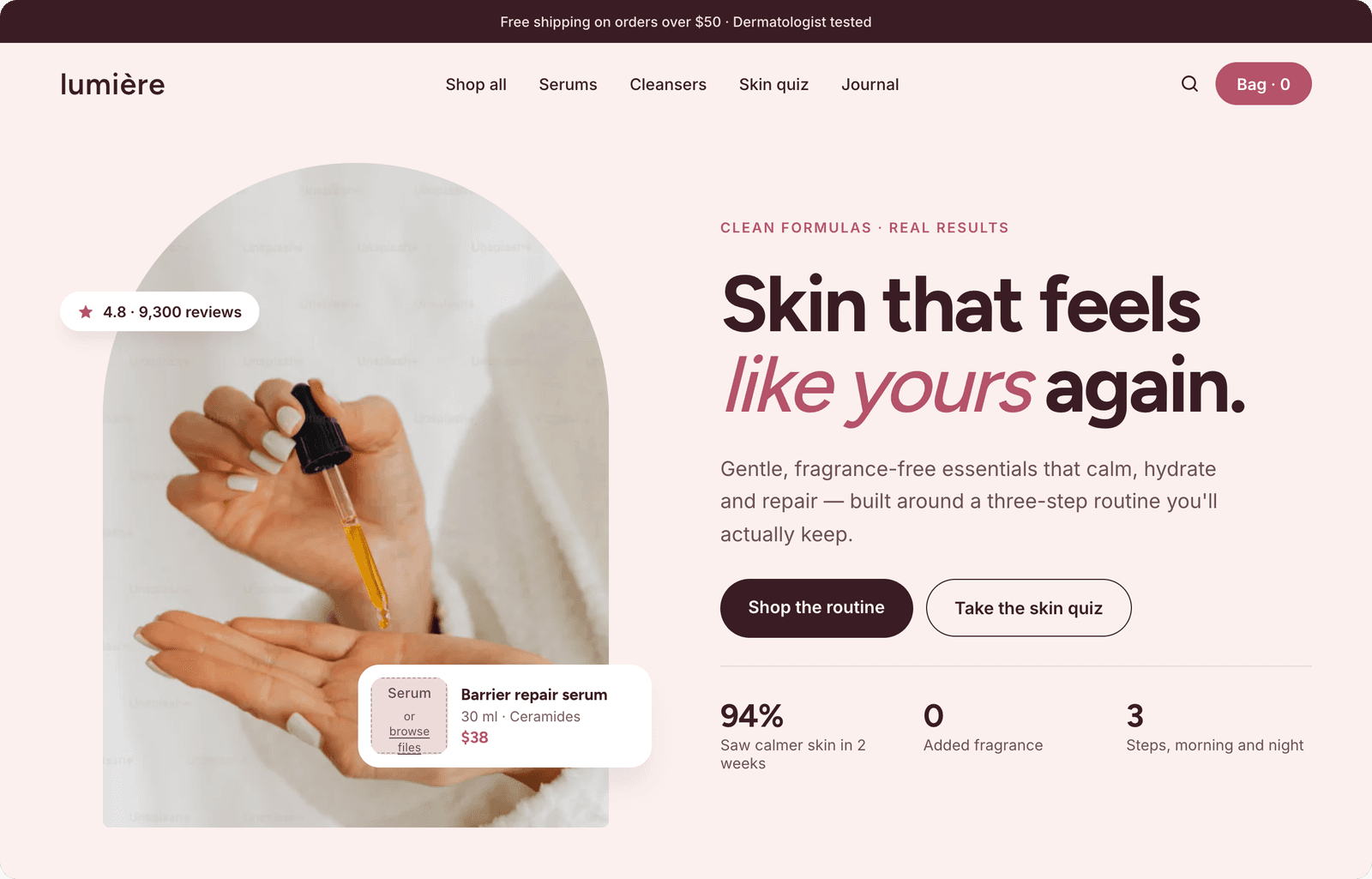
Lumière template
LumièreSkincare shop
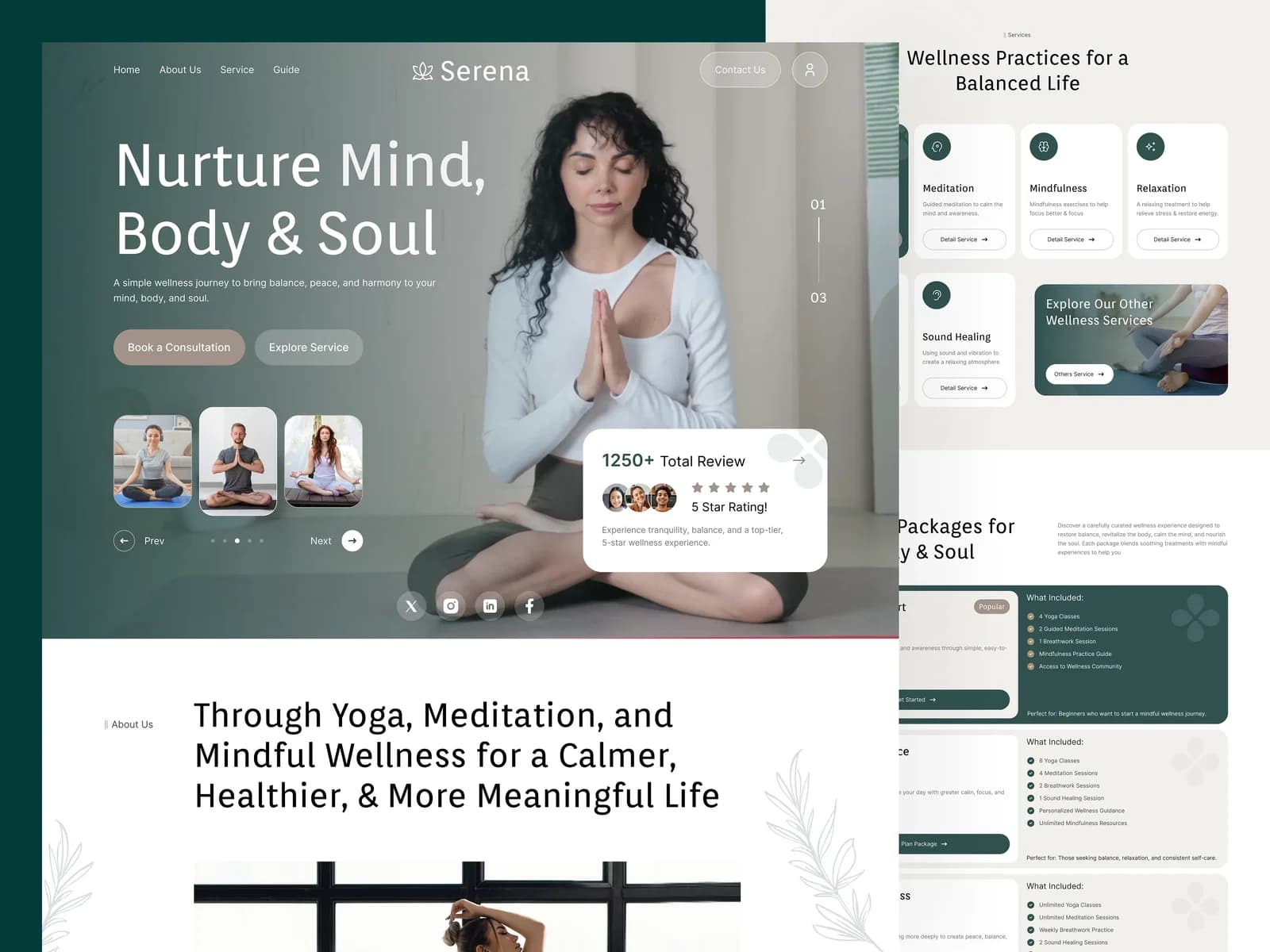
Serena template
SerenaWellness
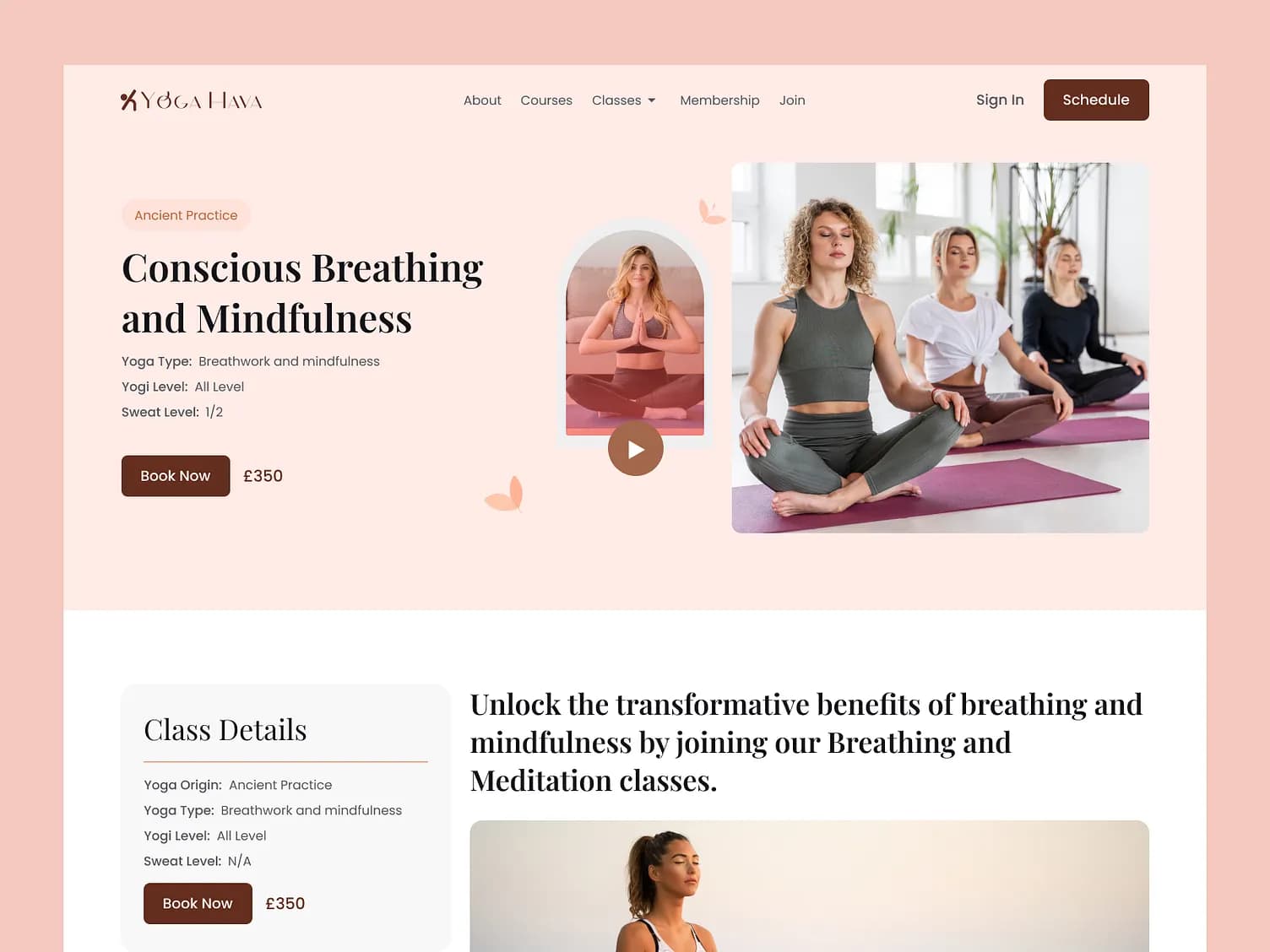
Yoga Hava template
Yoga HavaYoga classes
Upload your DESIGN.md
My own design systemYour fonts, colours and layout
What you can build

If you can describe it, you can ship it

For agencies

Sell Vibe Coding under your own brand

On a SaaS Partner plan your customers get the same builder with your name on it. Connect your own GitHub app and they never see ours.

White-labelled builder showing a leads CRM under the agency's own brand
Safe to go live

Guardrails built in, so a prompt never breaks your live site

  • Migration warnings before anything changes live tables
  • Staging data stays separate from live data
  • Run a performance and security audit before publishing
  • Daily backups kept for 30 days, one-click rollback

Questions

No. You describe what you want and ask for changes in plain words. If you do code, sync to GitHub and work locally.

You can sign in with your own Claude Code account, so no EzyCommunity AI credits are needed.

Yes. They use their existing community account.

Yes. Publish, connect a custom domain, and roll back any time.

VIBE CODING

What will you build first?

Start free. Your first site can be live today.